← All upcoming games

RTS Football (itch)

Confirmed14 Jun 2021· Released

Not out yet. Links go to store / wishlist pages, not checkout.

When does RTS Football (itch) come out?

RTS Football (itch) released on 14 Jun 2021 on PC.

About

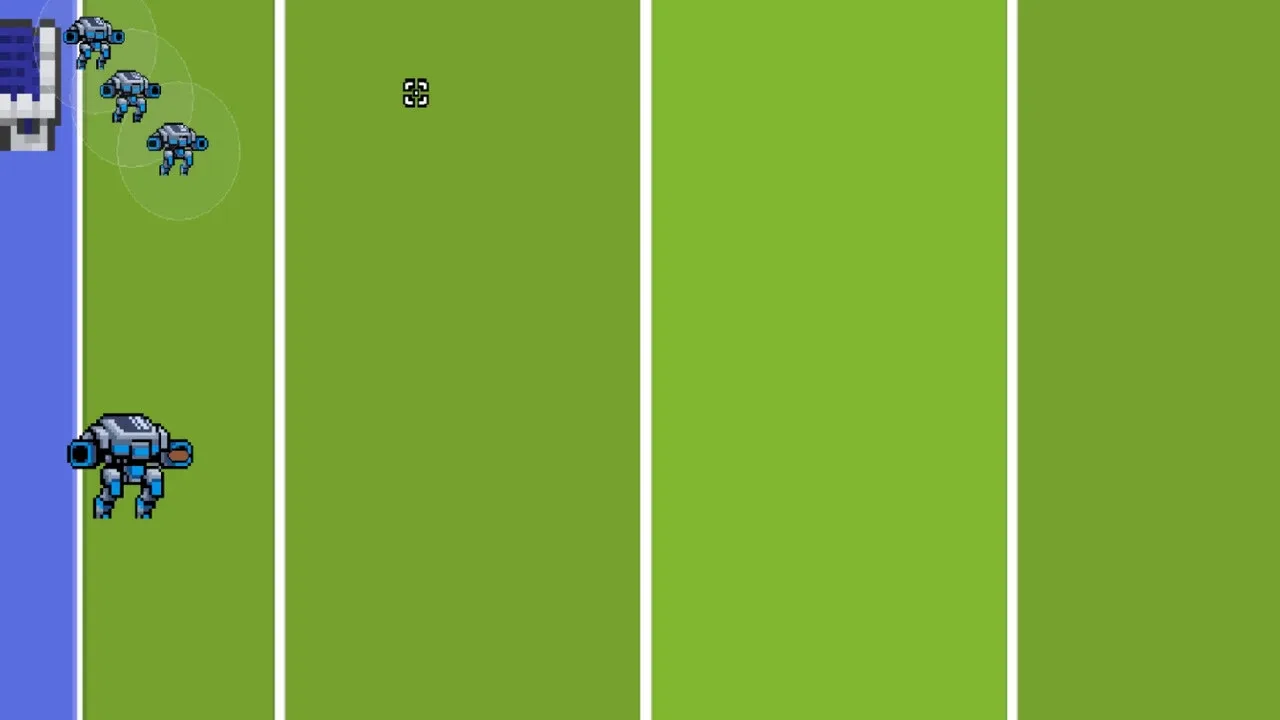
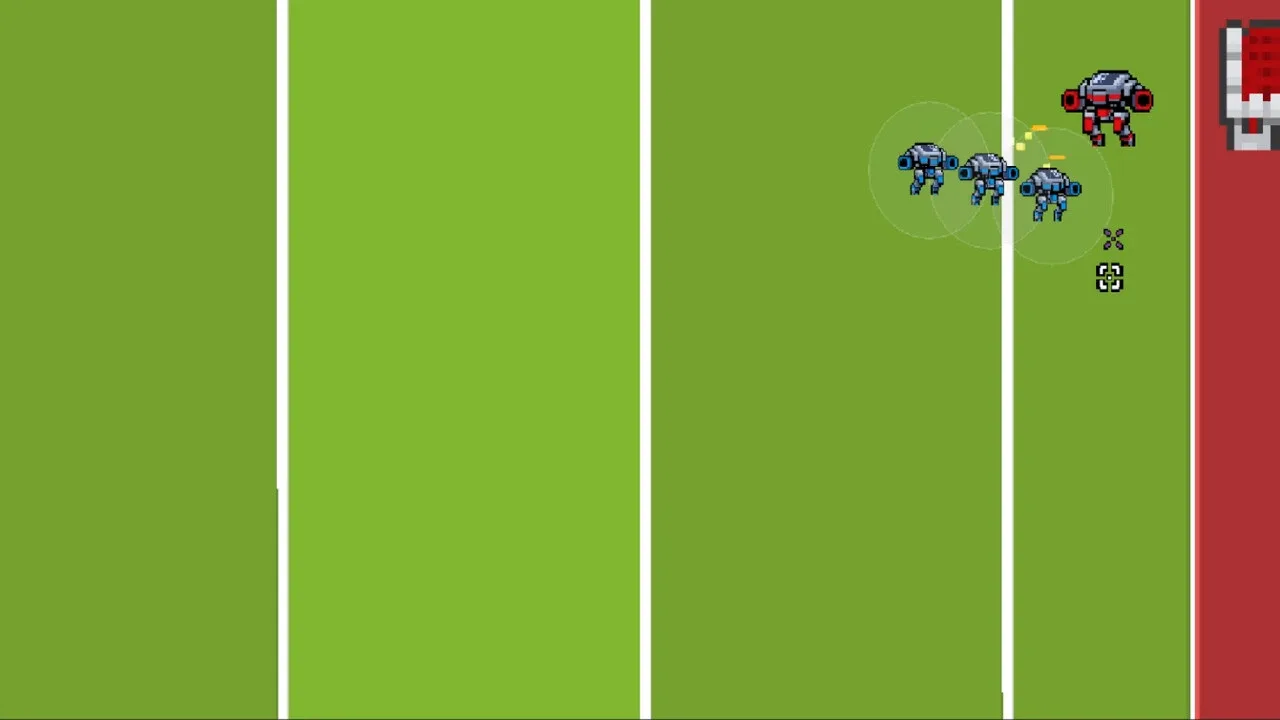
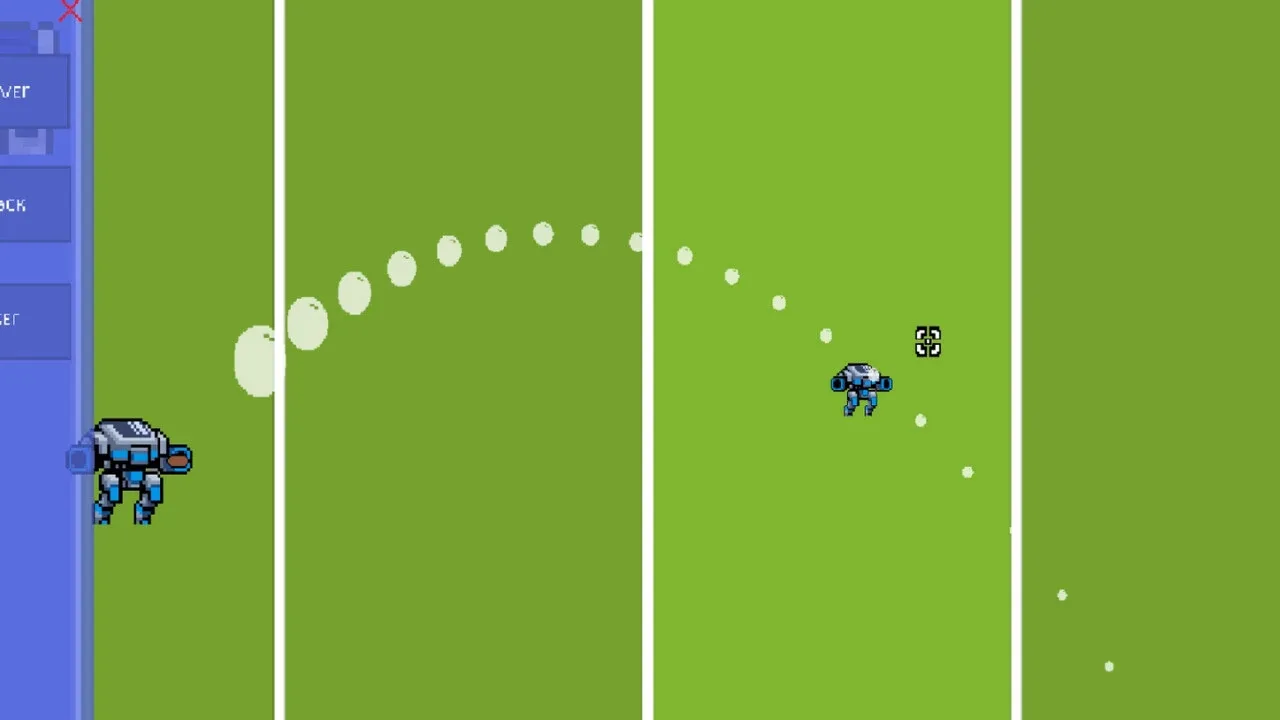
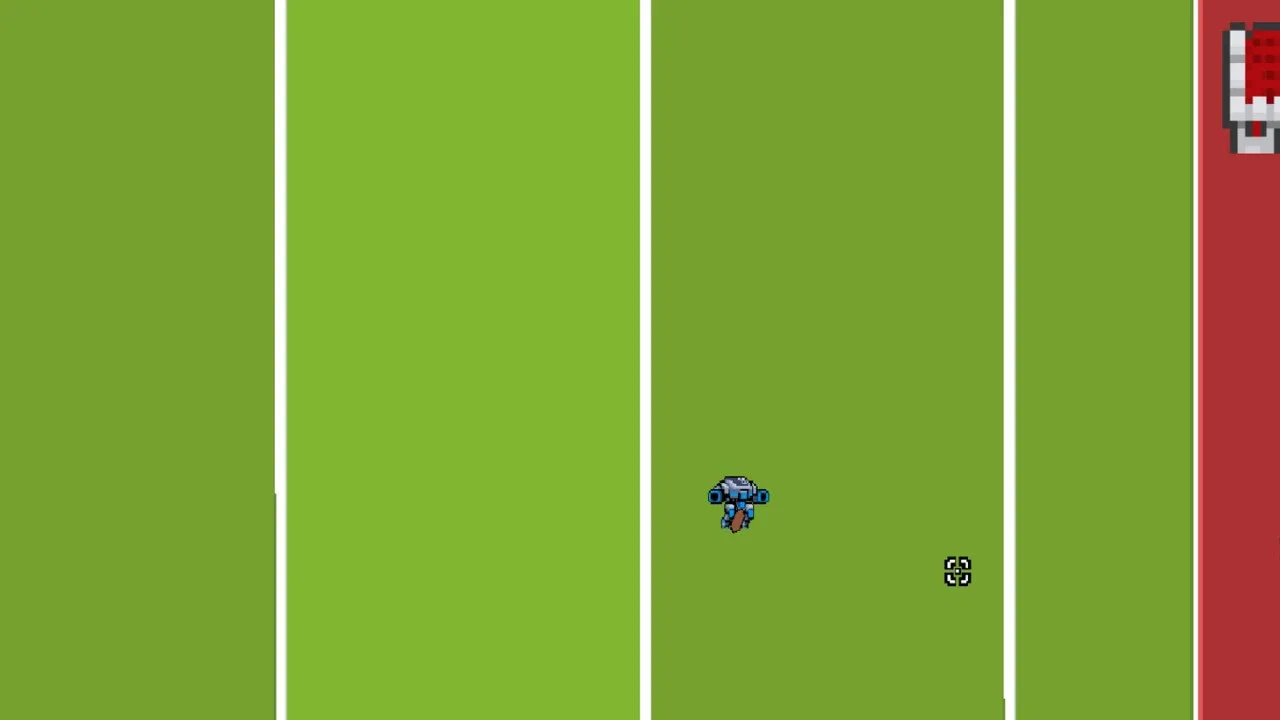
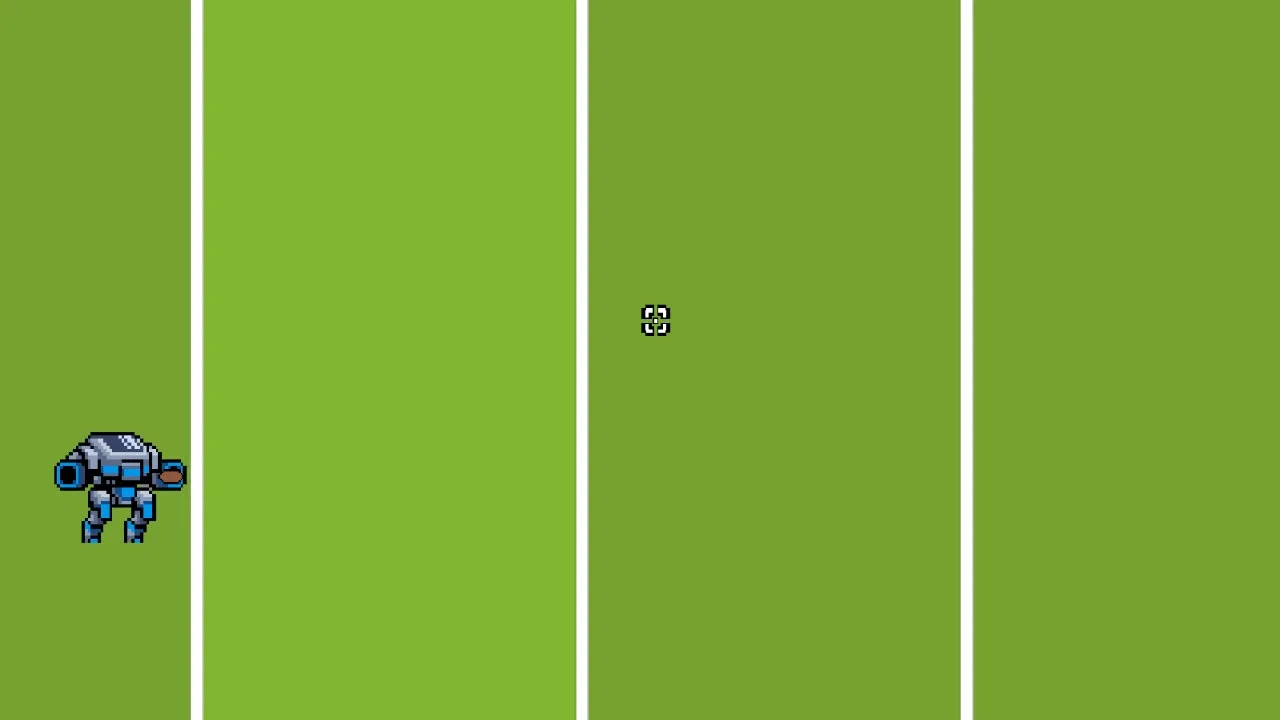
Notes: Please consider donating. Donations help the development of this project and is the only source of income for the project. Get your name in the credits and other perks for donations. Servers Offline. Contact Jensen_305@yahoo.com to start servers during the week. Servers are usually up during the weekends. Up to 60 players can play in 30 separate games at once. No limit on active players trying to play. Instant Matchmaking Queue times. Queue times longer than instant mean either the server is full and cannot accept more games or no one else is looking for a game. Use the itch.io app to automatically receive patch updates. RTS Football - 2 Player Current State: Prototype (Bring friends for testing) Press Escape for in-game menu. Press the settings cog wheel on top right for more options. Adjust Network Smoothing, Camera Sensitivity and Mouse Locking to window. Game Play: Control 6 football players. Get the football to your opponents End Zone to score. Sounds simple enough right? Units from opposite teams will tackle each other when too close removing both units from play. Units will spawn in your own End Zone after a short duration. Getting a touchdown resets the game. Endless games. Games only end when one of the players leaves the game. Supports 30 running games with 60 players on the server. No Account required to play. Choose a user name and play. RTS Controls.: Shift + (F1 - F 0) Create Camera Location F1 -F0 Return camera to saved location Ctrl + (1-9) Create Control Group 1-9 Select Control Group 1-9 (x2) Focus on Control Group Left Click - Press to select a unit. Hold Shift and click to add unit to current selection. Drag to box select units. Click anywhere on map to clear selection. Right Click - Move selected units Default Settings: Network Smoothing: 0.1 Camera Sensitivity: 25 Mouse Lock: Off Full Screen: Make sure mouse lock is off in the settings menu. Hit the Press Alt + Enter If using multiple monitors or windowed mode you can turn on mouse lock in the settings menu to keep the cursor within the window. Hints: *Control Groups: When you select 1 or more units you can save that selection configuration to a hotkey. Pressing that hotkey will select the units again. *Camera Locations: You can set the camera to a location of your choosing and set that location as a hotkey. Pressing that hotkey will set the camera to the saved location. Inspiration: Starcraft custom map "SVC Football"

Release dates

Platform / regionDateStatus
Worldwide14 Jun 2021Confirmed

Developer AwkwardBrian

Sports